Nobody actually needs a promposal. That's the first thing to get out of the way, because half the internet's advice acts like skipping the poster board and the flash mob means you're doing prom wrong. You're not.
A promposal is just a fancier way of asking someone to a dance, and "fancier" is optional.
But if you want to do one, you should do it well. Not "rent a billboard" well. Well as in: your date actually enjoys it, nobody's cornered into saying yes in front of two hundred people, and you're not the reason a teacher has to explain to the principal why there's silly string in the gym rafters.
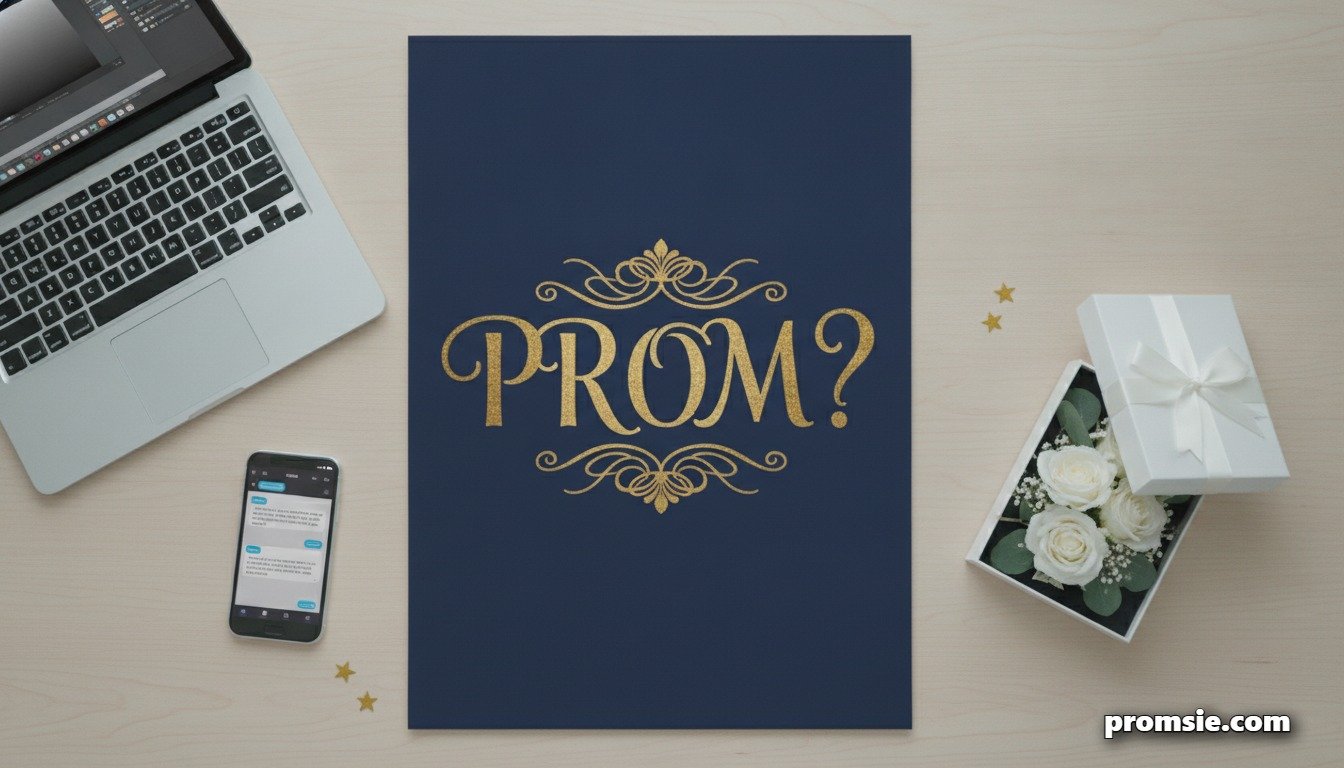
That's what this tool is for. Pick prom or homecoming, shuffle through a line that actually fits your sense of humor, or write your own. Choose a theme, and you've got a poster ready to print or send, no design skills required, no trip to the craft store.
Before you get into it
Somewhere in the last decade, promposals went from "cute idea some kid had" to "content genre with its own unwritten rules." That shift is worth knowing about, because it changes what actually lands in 2027 versus what just gets you a confused laugh.
Timing: when to ask, and the soft-launch nobody tells you about
Six to eight weeks before prom is the sweet spot. Early enough that your date can plan an outfit, get excited, tell their friends. Late enough that it still feels like an event and not a formality wedged between midterms.
But timing isn't just about the calendar. It's about reading the actual person you're asking. Some people love being put on the spot in the cafeteria with the whole lunch period watching. Other people would rather eat glass. If you don't already know which one your crush is, that's information worth gathering before you buy a single poster board.
Here's the move that solves most of the anxiety around this: soft-launch it first. Send a text. Catch them after practice. Say something like "hey, would you want to go to prom together?" in an actual normal conversation, no props involved. Once you have a private yes, then you can do the big public version for the photos and the group chat, if you both want that. You already know how it ends, so there's no risk, and it's just theater at that point — fun theater, but theater.
Skip the private check-in and go straight to the grand gesture, and you're gambling with someone else's dignity to make a better video. If they say no in front of a crowd because they felt cornered into showing up at all, that's not a promposal that went wrong. That's one that was designed wrong from the start.
Promsie Generator
Whether you're planning a promposal or asking someone to homecoming, the hardest part usually isn't the idea. It's finding the right words and actually making the sign look good.
This tool does both. Pick your event, shuffle through pun categories until something clicks, or write your own line from scratch. Then choose a color theme and download a poster that's ready to print or text straight to your group chat. No design skills, no trip to the craft store, no poster board covered in eraser marks.
When it looks right, download it as a PNG for texting around or a print-ready PDF sized for a standard letter page, and you're done. No glue sticks, no crooked lettering, no trip to the craft store unless you want one.
Promposal Poster Maker
Write your own line, or shuffle one in. Pick a theme, then download a print-ready poster.
Theme
When it doesn't go to plan
Not every promposal story ends with a smooth yes on the first try, and sometimes that's the better story anyway.
In 2019, a Nevada teenager named Austin Mousa showed up at what he thought was his crush's front door, a box of doughnuts in hand and his friend filming the whole thing. The door opened. Wrong girl. She lit up with excitement anyway, clearly thinking the surprise was for her, while Mousa spun around in horror to look at his accomplice. The clip hit millions of views within days.
He recovered fast. After sorting things out with the confused (and good-humored) stranger, Mousa made his way to the actual house and asked his intended date, Hannah Maslak, properly. She said yes, and the two went to prom together. You can watch how the whole thing unfolded here: Teen asks wrong girl to prom in now-viral video
It's a good reminder that a promposal doesn't have to be flawless to be memorable. Sometimes the mistake is the part everyone remembers.
If the answer's no
This part gets left out of almost every promposal guide out there, which is strange, because it's the actual risk you're taking every time you ask someone in front of other people. So let's just say it plainly: sometimes the answer is no. That doesn't mean you did anything wrong, and it definitely doesn't mean the promposal failed. It means you asked a real question and got a real answer.
If it happens, the only job in that moment is to make it easy on both of you. Say something like "no worries, thanks for being honest" and mean it. Don't ask why. Don't ask if they're sure. Don't linger for a re-vote. The kindest thing you can do for someone who just said no in public is to let the moment end quickly, so it stops being a spectacle and goes back to being a normal Tuesday.
Afterward, give yourself permission to feel bad about it for a bit. Rejection stings regardless of how it's delivered, and pretending it doesn't isn't actually toughness. What matters more is what you do next: you don't need to avoid that person, you don't need an explanation, and you definitely don't need to turn it into a story about them. Prom will still happen. You can still go, with someone else, with friends, or on your own, and none of those are consolation prizes.
If you're on the other side of this, and you're the one being asked something you don't want to say yes to, you're allowed to say no. A promposal is a big visible gesture, but it's still just a question, and a public setting doesn't obligate you to a public yes. A short, kind, clear no is the right answer, delivered exactly the same way you'd want to receive one.
For a longer walkthrough on saying no with more grace, or handling it if you're the one who got turned down, there's a full guide here: How to Handle Promposal Rejection
Promposal & Homecoming FAQ
Yes, completely. Shuffle as many lines as you want, try every theme, and download your poster as a PNG or PDF at no cost.
Both. Use the Prom or Homecoming toggle at the top of the tool and it'll adjust the wording on your poster automatically, whether you write your own line or shuffle one from the generator.
Yes. Use the Download PDF option and it's already sized and centered for a standard US Letter page, so it'll print correctly straight from your own printer without any extra formatting.
Download the PNG instead of the PDF and take it to a print shop or photo printing service. It's high enough resolution to blow up to full poster size without getting blurry.
Definitely. The text box is fully editable. The category shuffle is there if you want inspiration, but typing your own line works exactly the same way.
No. Pick a theme, type or shuffle a line, and the layout, spacing, and font sizing are handled automatically. There's nothing to design by hand.
No. Everything happens right in your browser. Nothing you type gets stored or sent anywhere, it just disappears if you close the tab.