Prom Survival Guide: 5 Must-Have Tech Gadgets & Battery-Saving Hack
As an Amazon Associate, I earn from qualifying purchases.
It is officially crunch time. We are now into May, the sun is finally staying out past 7:00 PM, and the countdown to the best night of your life is officially in the single digits.
The tech you bring is just as important as the corsage. We aren't just "going" to prom anymore; we are documenting a literal cinematic event. Between the TikTok transitions, the "get ready with me" reels, and the group chats that never stop buzzing, your phone is basically your most important accessory.
But here’s the thing: nothing ruins a vibe faster than a "Storage Full" notification right during the slow song, or a dead battery when you’re trying to call your ride at 1:00 AM.
Since I want your night to be 100% magic and 0% stress, I’ve rounded up the ultimate prom tech survival list, followed by some must have settings that will help your phone save power on the big night.
1. The Ultra-Slim MagSafe Power Bank
There is literally nothing scarier than your phone hitting 2% before you’ve even made it to the after-party. But you can't exactly carry a giant, clunky brick in your cute clutch! It ruins the lines of your dress and weighs you down on the dance floor.
In 2026, it’s all about magnetic chargers. These are total game-changers because they snap right onto the back of your phone. No messy wires tangling with your jewelry or getting caught in your lace sleeves, and it’s thin enough that it won't make your bag look lumpy.
The Goal: You’ll be using GPS to find the pre-party, filming in 4K, and probably keeping your brightness at 100% for outdoor photos. Your battery will drain twice as fast as usual.
The Vibe: Sleek, wireless, and fits in the palm of your hand.
Robin's Gold Nugget
If you’re using a Magnetic charger, remember that they can make your phone get a little warm. If your phone feels hot, take the charger off for ten minutes. A hot phone actually drains battery faster and might even dim your screen automatically!
2. The Clip-On "Glow Up" Light
Let’s be honest: prom venue lighting is usually... questionable. It’s either "interrogation room" fluorescent bright or "pitch black basement" dark. If you want those photos to look professional (and show off your highlight!), you need your own light source.
Forget those old bulky ring lights from 2020. The move now is a magnetic or clip-on self light. It’s tiny, has adjustable "warmth" (so you don't look washed out or orange), and many even have a little built-in mirror on the back so you can check your gloss while using the high-quality back camera.
The Goal: Dark dance floor photos usually come out grainy and "noisy." A little pop of soft, warm light makes your skin look airbrushed and makes your dress sequins truly pop.
The Vibe: Like having a professional lighting crew in your pocket.
The "Glow Up" Clip-On Light
Say goodbye to grainy, dark dance floor pics! This is my secret weapon for making sure your makeup looks flawless in every single photo.
GET THE GLOW ON AMAZON ✨*Check those shipping dates, JIC! Grab it now to beat the May rush.
💖 Robin’s Tip #1: The "Content Creator" Workflow
Okay, let’s have a heart-to-heart. You want the perfect "Fit Check" video, but you also want to actually enjoy your prom. Here is my secret North Carolina strategy for getting the content without losing the night:
The 10-Minute Rule: When you first arrive at a new location (the garden for pics, the limo, the venue), give yourself exactly 10 minutes to get your "shots." After that? Phone goes in the bag.
The "Shared Album" Hack: Before the night starts, create a Shared Album on your phone and invite your entire squad. Tell everyone to dump their raw videos and photos in there throughout the night. That way, you don't have to spend the whole night air-dropping files or begging your bestie to "send me that one!" You can focus on dancing, knowing all the memories are being collected in one spot for you to edit the next morning while you’re eating post-prom pancakes.
3. The "Anti-Shake" Mobile Grip
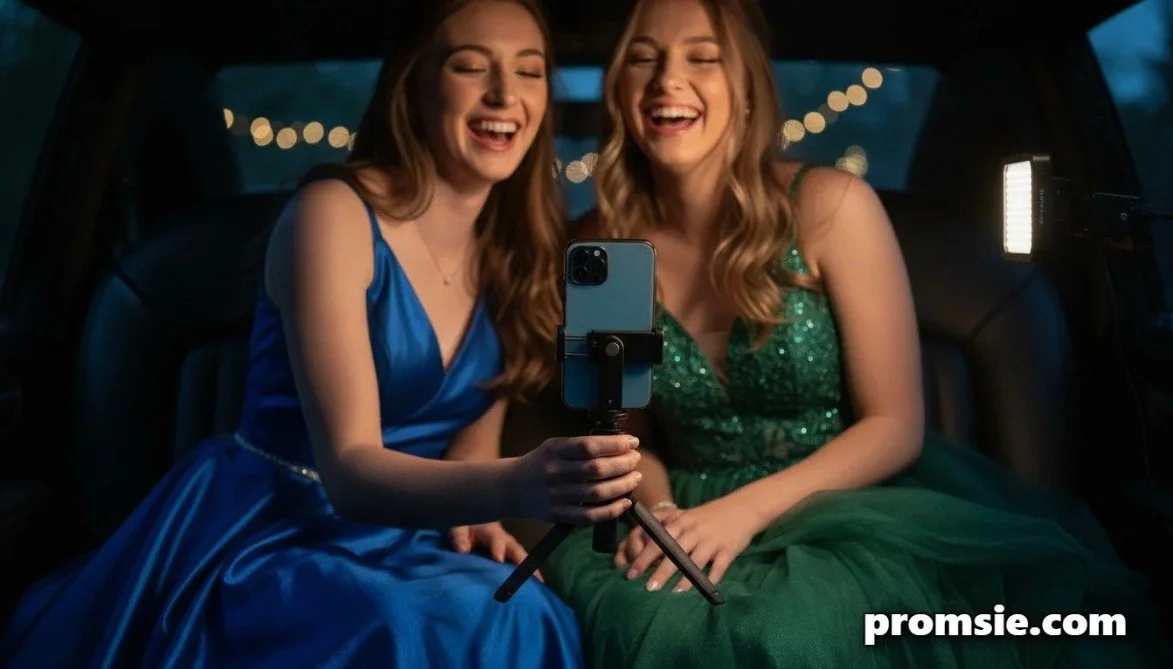
If you’re planning on filming a "Prom Transition" video—the kind where you jump and suddenly you're in your gown—you need a steady hand. But when you're hyped up and dancing, your hands get shaky!
A collapsible phone grip or a mini-tripod (like the Manfrotto Pixi) is a lifesaver. There are even MagSafe versions that double as a handle, giving you way more control for those high-angle "fit check" videos.
The Goal: No one wants a blurry video of the best night of the year.
The Vibe: Stability without the bulk of a full gimbal.
Manfrotto PIXI Mini Tripod
The ultimate secret to those perfect group shots and jitter-free TikTok transitions. It’s lightweight, super sleek, and doubles as a comfy handgrip for vlogging your limo ride!
SNAG THE TRIPOD ON AMAZON 📸*Pro-tip: This fits easily in your bag and is way more reliable than propping your phone against a water pitcher!
4. Extra Storage (The "Mobile SSD")
This is the one nobody thinks about until it’s too late. You’re in the middle of a hilarious video with your besties and—pop—"Storage Full." It is the ultimate buzzkill.
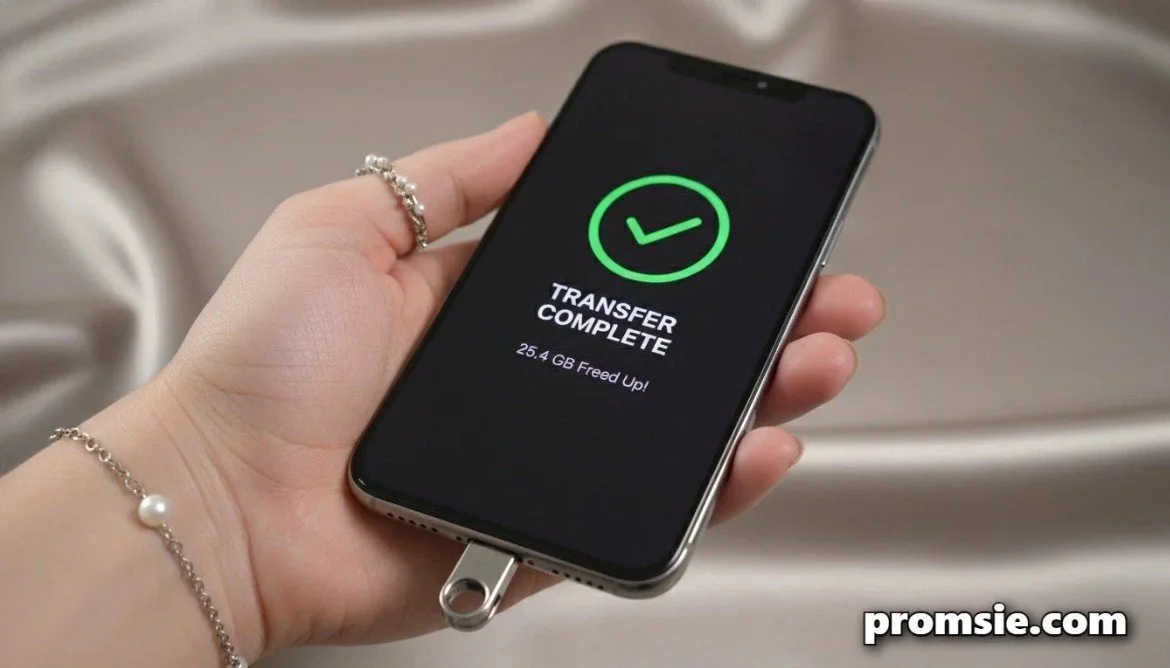
Since phone cameras in 2026 take up a massive amount of space (especially if you're shooting in Cinematic Mode), a tiny USB-C Flash Drive or Mobile SSD is the ultimate pro move. You can plug it directly into your phone, move all your "Getting Ready" videos over in seconds, and clear up space for the actual dance.
The Goal: 4K video eats storage for breakfast. Don't be the person frantically deleting old apps in the bathroom stall.
The Vibe: Total peace of mind for the content creator at heart.
SanDisk Ultra Luxe Dual Drive
Don’t let a "Storage Full" pop-up ruin your night! This tiny drive plugs straight into your phone to offload those 4K videos in seconds. It’s basically an insurance policy for your memories.
CLEAR SPACE ON AMAZON 💾*Double-check: It works with both USB-C and standard USB. Perfect for moving pics to your laptop later!
5. Smart Tags for Your Essentials
Prom night is beautiful chaos. You’re moving from the pre-party to the limo, to the venue, to the diner, and then the after-party. It is so easy to leave your bag or your keys somewhere in the shuffle.
Toss an AirTag or Tile Slim into your purse or wallet. If you get caught up in the moment and leave your bag under a table during a slow dance, you can find it in two seconds using your phone.
The Goal: Losing your wallet or keys is the quickest way to ruin a great night.
The Vibe: Your own personal "lost and found" detective.
Robin's Gold Nugget
If you’re wearing a dress with pockets (the dream!), keep the AirTag in there. If you end up taking your dress off at an overnight after-party or switching into sweats, you’ll always know exactly where your gorgeous gown is!
💖 Robin’s Tip #2: The "Emergency" Digital Prep
Before you head out the door, there are 9 digital things you should think about doing. I call this the "Safety Sandwich."
| STEP | TASK | THE "ROBIN" REASON | HOW-TO |
|---|---|---|---|
| 01 | Emergency ID | JIC you lose your phone or need help without a passcode. | Settings > Health / Safety |
| 02 | Screenshot Tix | Beat the "No Signal" panic at the venue door. | Snap pic of barcodes/addresses. |
| 03 | "Find My" Squad | Keep the group together and help parents chill. | Find My App > Share Location |
| 04 | Dark Mode | Black pixels use zero power on OLED screens. Chic! | Settings > Display > Dark Mode |
| 05 | Auto-Lock (30s) | Stops screen from glowing in your bag for minutes. | Settings > Display > Auto-Lock |
| 06 | Low Power Mode | Saves juice specifically for the camera/TikToks. | Settings > Battery > Toggle ON |
| 07 | Kill App Refresh | Stops background apps from "talking" to the net. | Settings > General > Background Refresh |
| 08 | Location Check | GPS is a battery vampire. Use only when needed! | Settings > Privacy > Location |
| 09 | Airplane Mode | Save life in "dead zones" (like basements). | Toggle in Control Center |
Pro-Tip for the Parents
If you’re the "designated tech support" for the night, here is a quick checklist to help them out:
Software Updates: Make sure their phone is updated to the latest OS version at least two days before prom. Sometimes updates fix "battery drain" bugs!
Airplane Mode in Dead Zones: If the prom venue is in a basement or a big steel building with no service, tell your teen to flip on Airplane Mode. Searching for a signal that isn't there will kill a battery in an hour!
One Last Thing...
The best way to save battery? Live in the moment! Take the photos, film the TikTok, and then put the phone in your clutch and go dance. You’ll have a full battery and better memories.
Need to see how these tech tips fit into your overall prom prep? We’ve got the full Prom bible over on the site!
Are you a "take 1,000 photos" kind of girl, or are you more of a "one good group shot and I'm done" vibe?